Climate
Vents, fans and heating held to the conditions your crop needs.
The hardware side of Greenhouse OS: it reads your greenhouse and runs irrigation, fans, vents and lights.
Enquire about hardware →All hardware
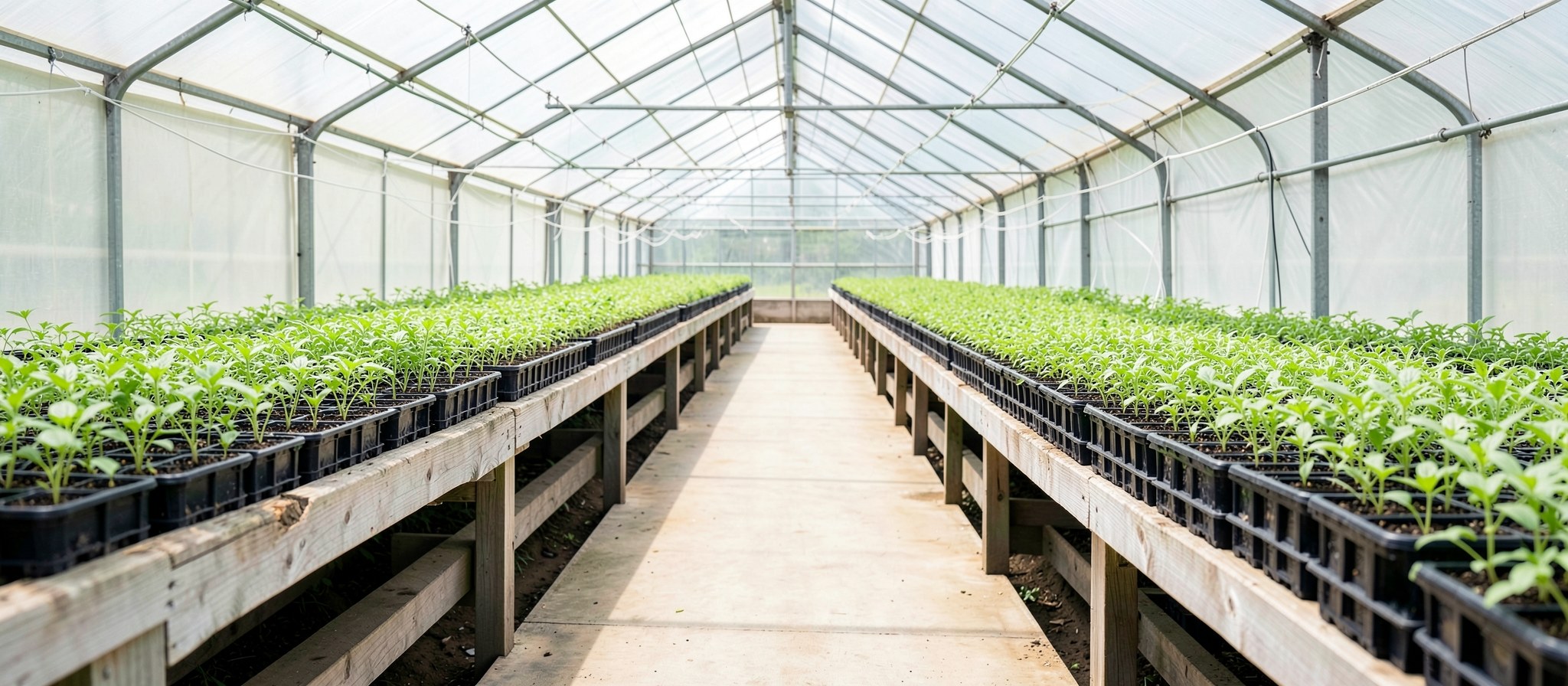
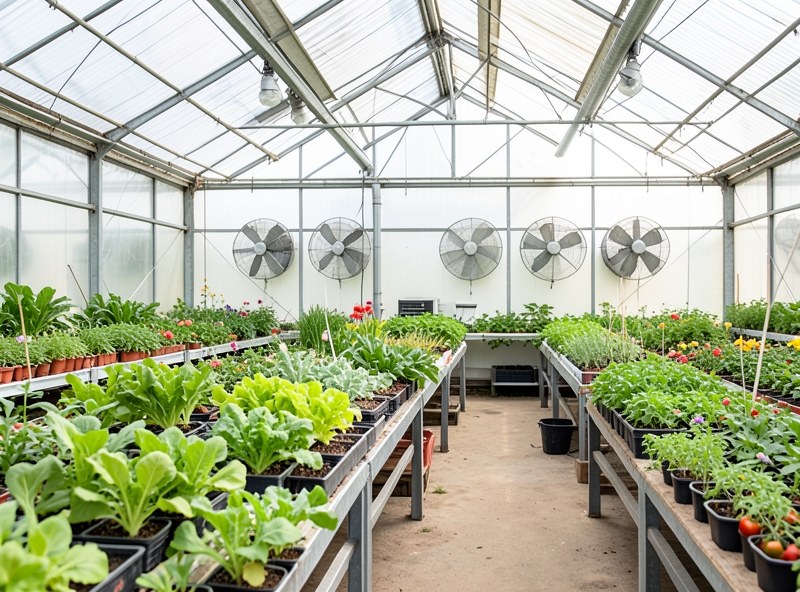
The Greenhouse controller is the part of the system that stands in your greenhouse. It reads conditions, runs your equipment within the limits you set and passes everything to Greenhouse OS, which is the screen you manage it from.
It is designed for real working greenhouses: heat, humidity, dust, long days and people who cannot be there all the time.
Vents, fans and heating held to the conditions your crop needs.
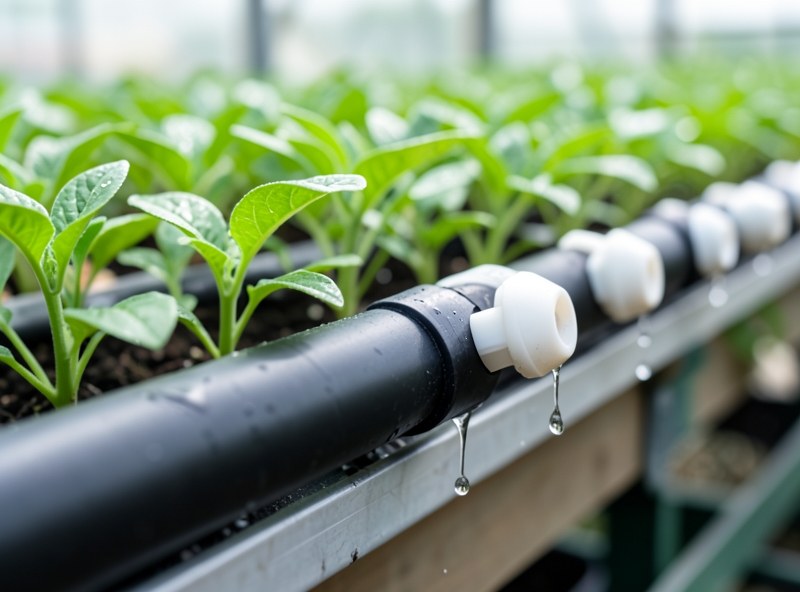
Valve zones on schedules or moisture triggers, with run limits against floods and dry runs.
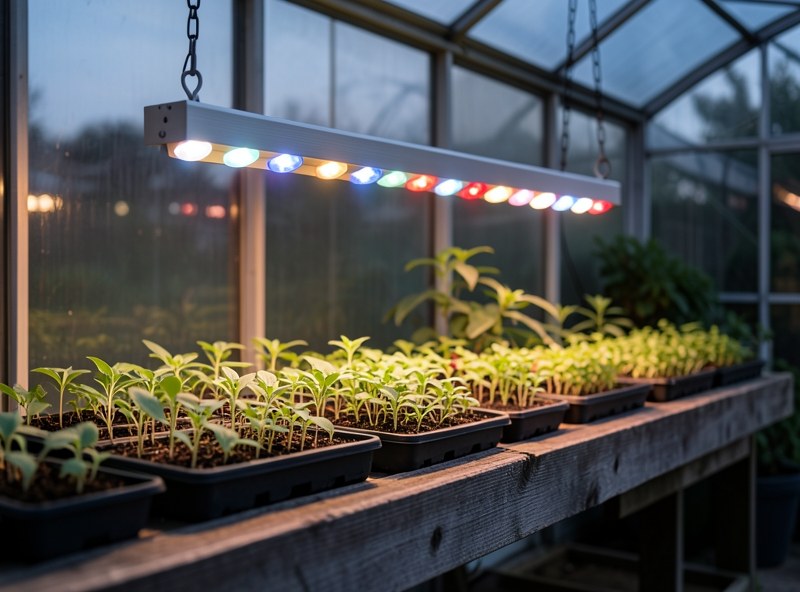
Photoperiods and daily light targets with a hard daily maximum.
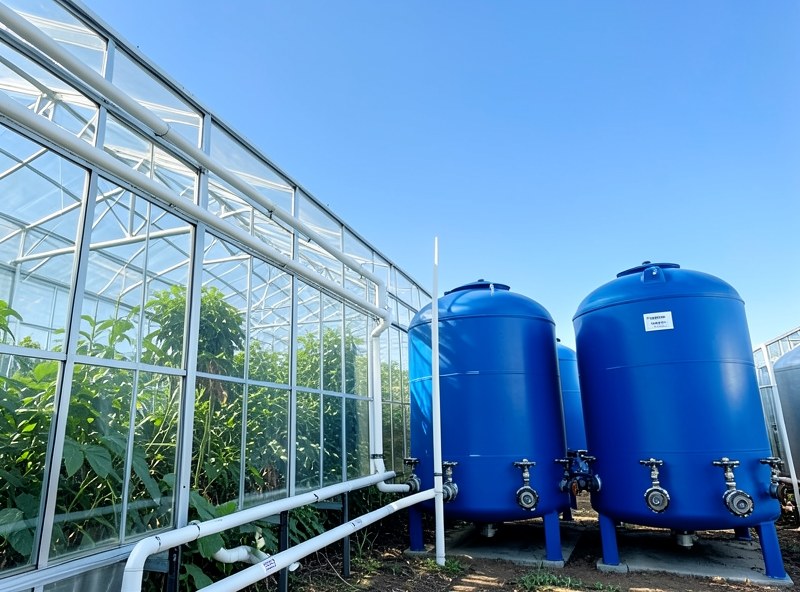
Tank levels and water use watched, with alerts before you run short.
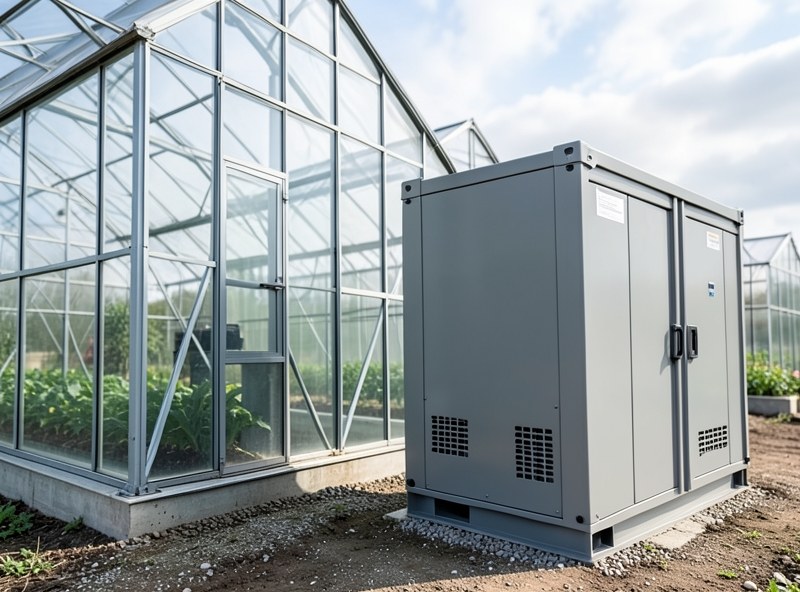
Handled in a planned way, with non-essential loads shed first.
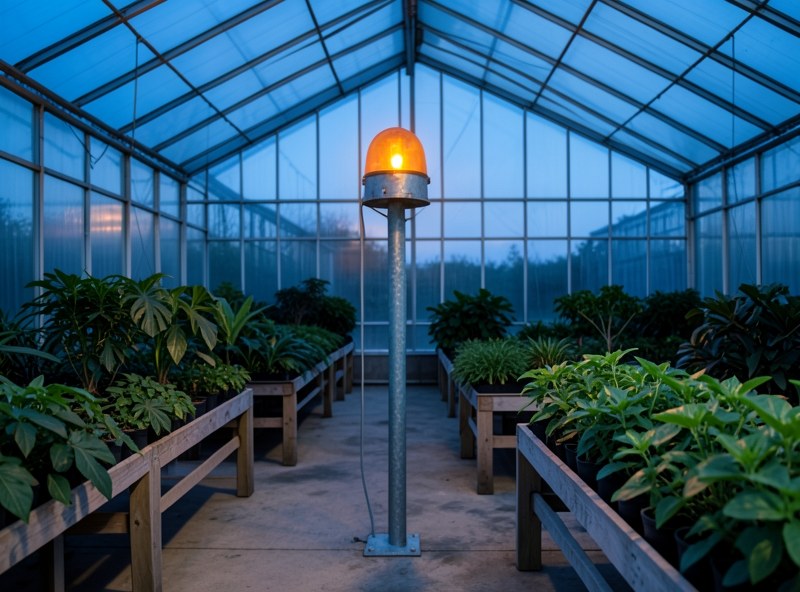
Threshold alarms and a record of readings and actions, kept in Greenhouse OS.
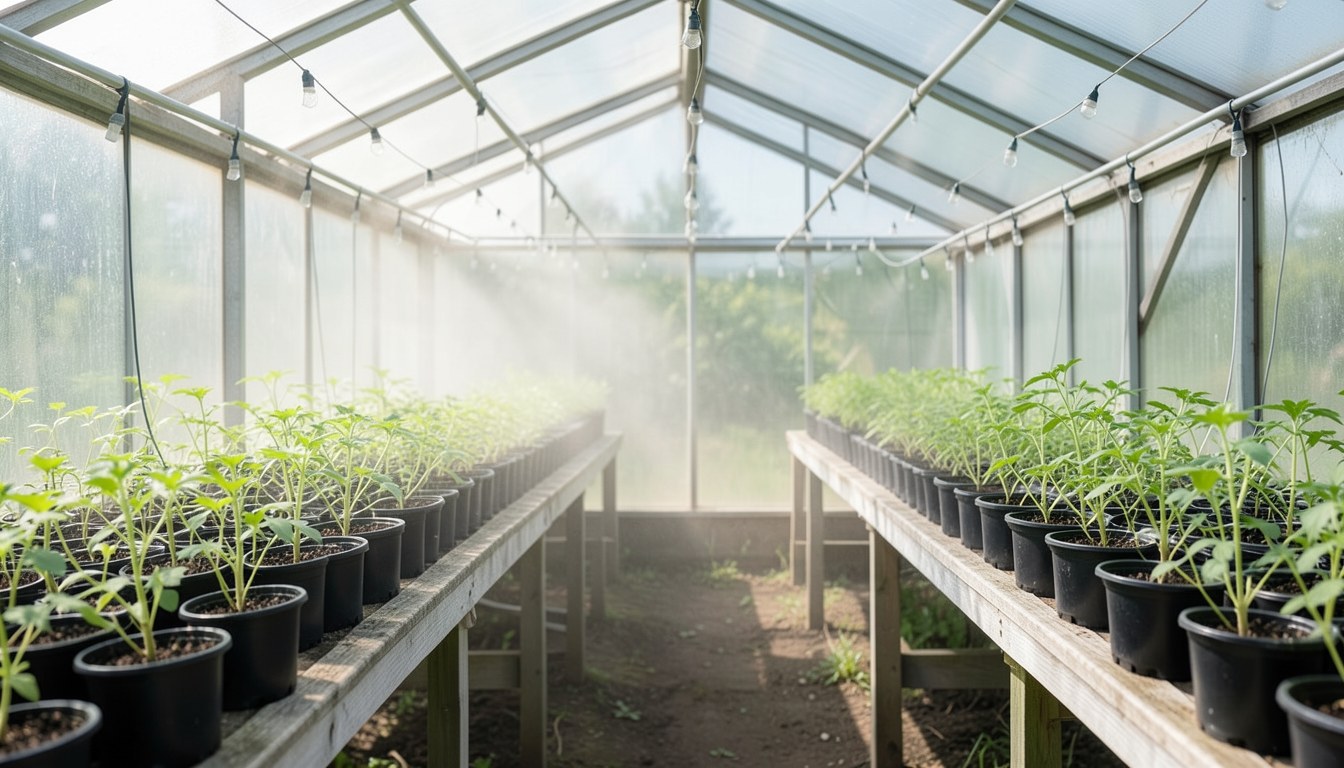
Small sensor hubs sit among the plants and report to a control panel in the plant room, which runs the equipment within the limits you set. Early concept images.
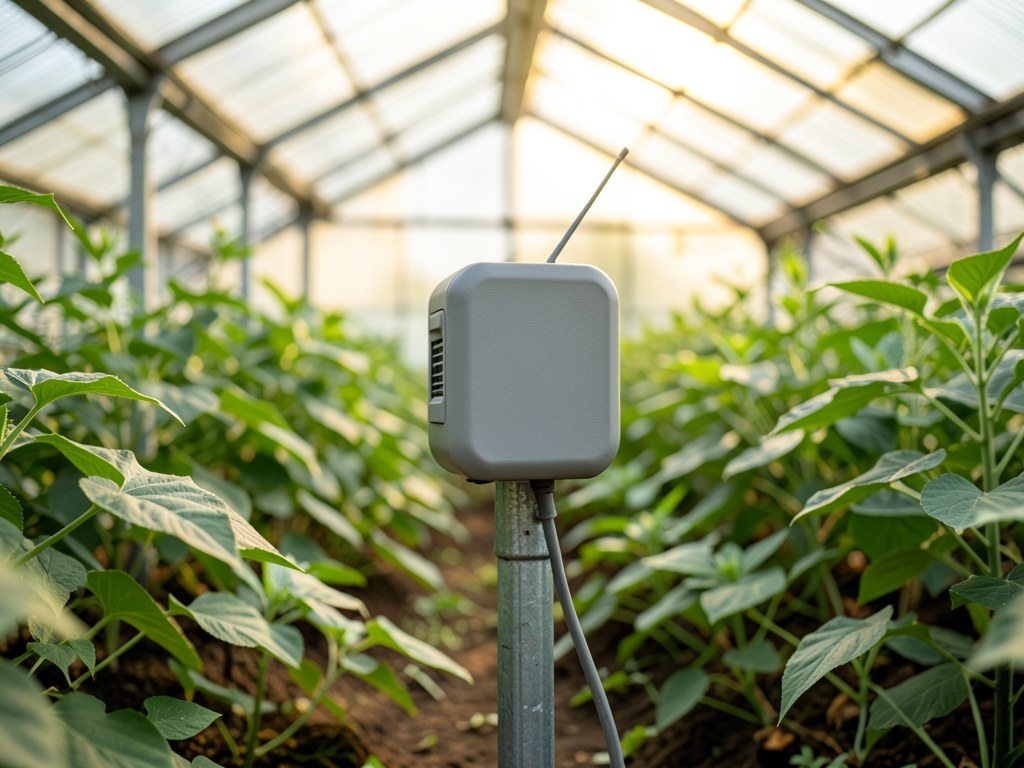
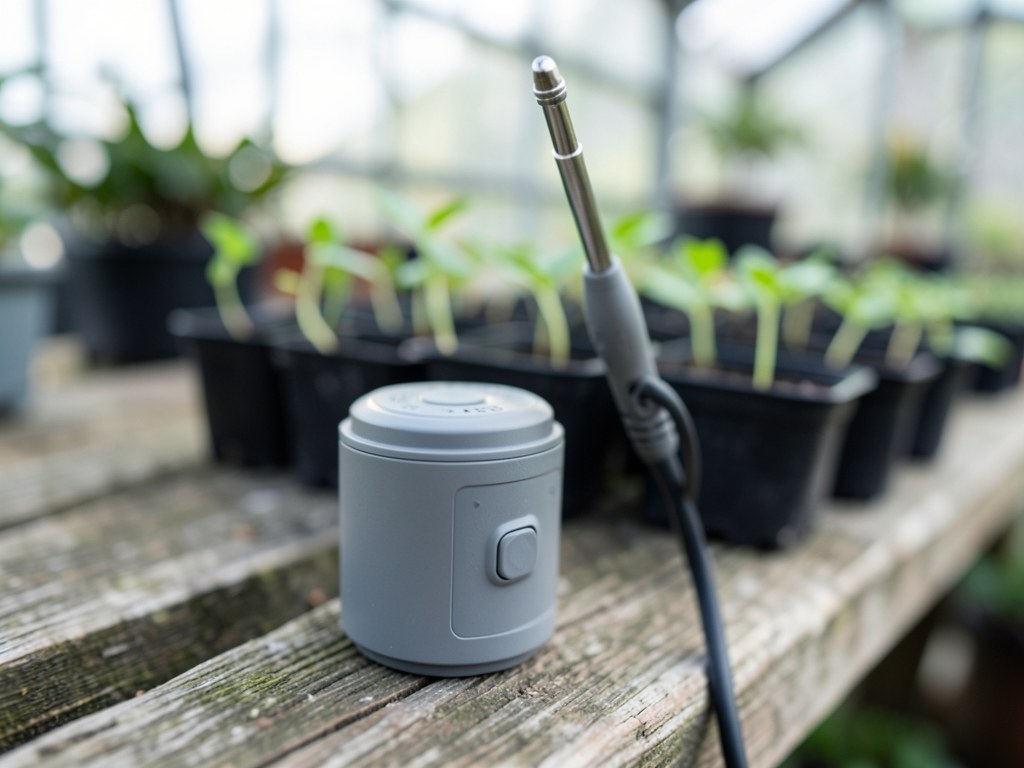
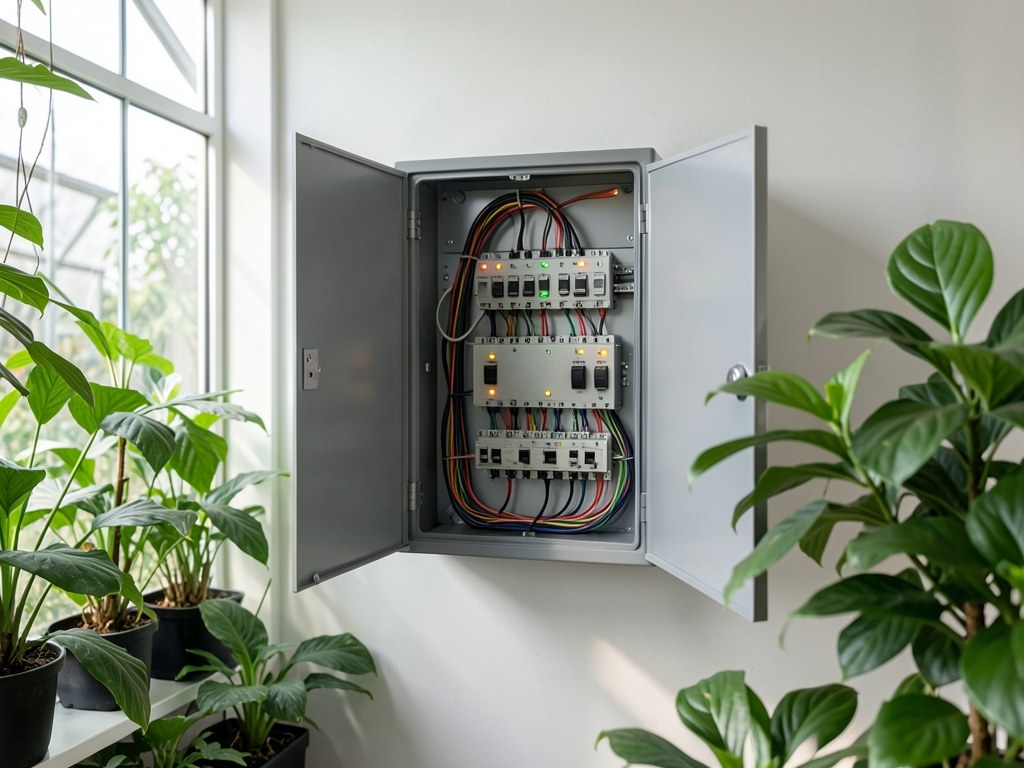
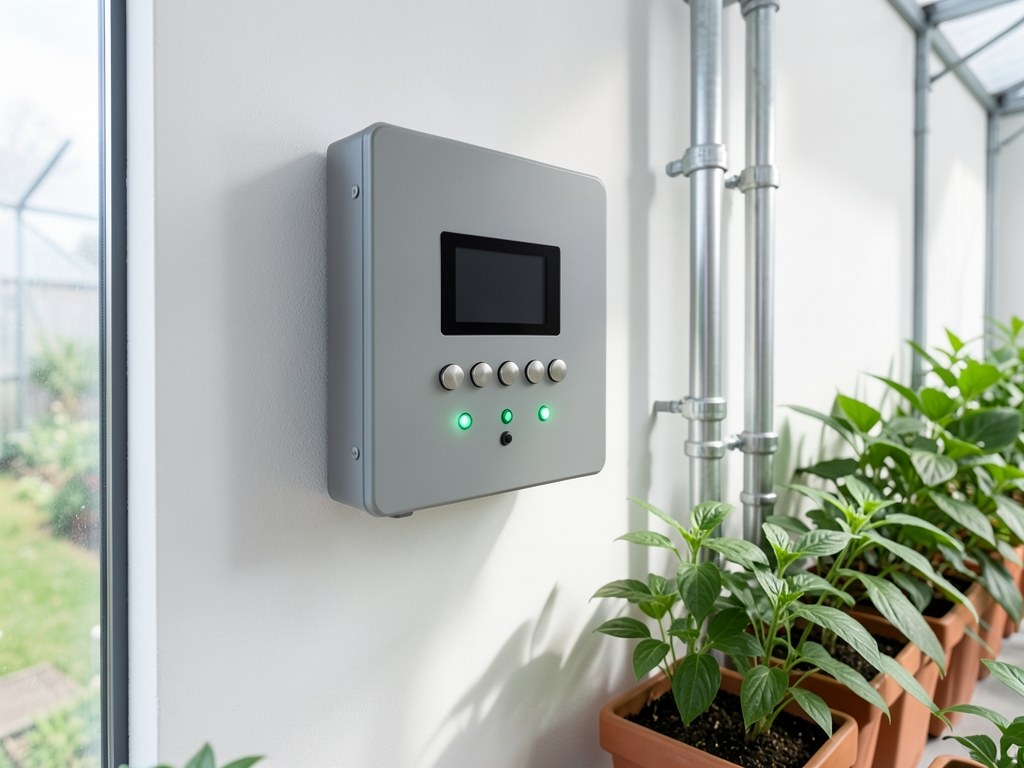
Concept images, not the final product.
We look at your greenhouse, crop and how you work today.
Decide what to automate first, and what to keep manual.
Brought into use in advisory mode, with no equipment moving until you are satisfied.
Automation is turned on zone by zone, with limits and alarms in place.
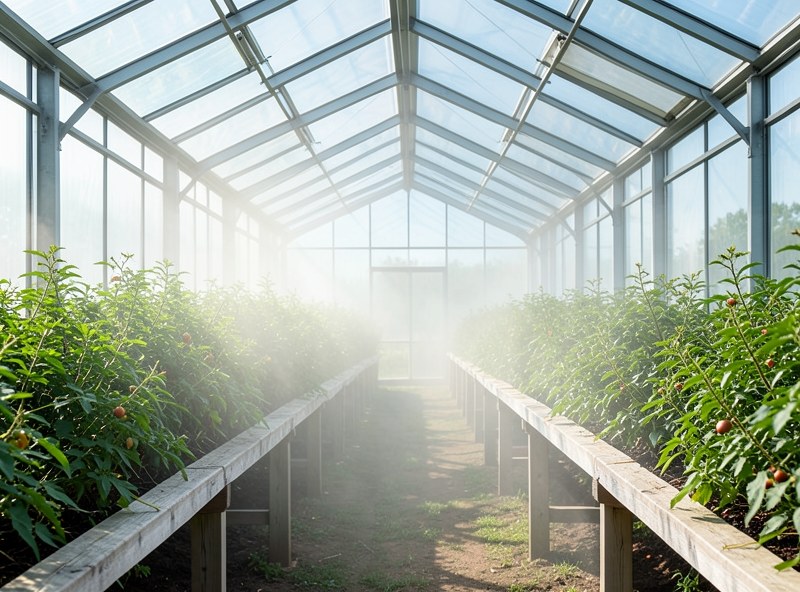
Production houses that need steady climate and water.
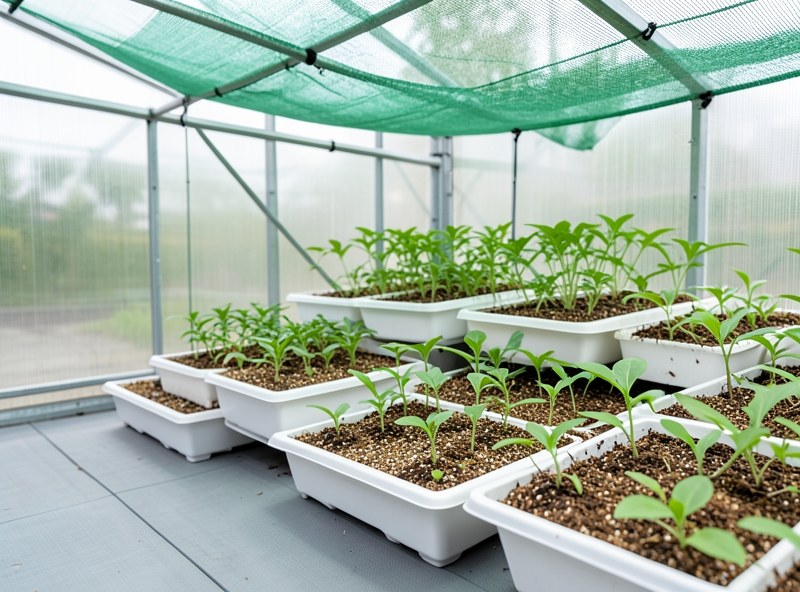
Where plants step down from lab conditions and need careful handling.
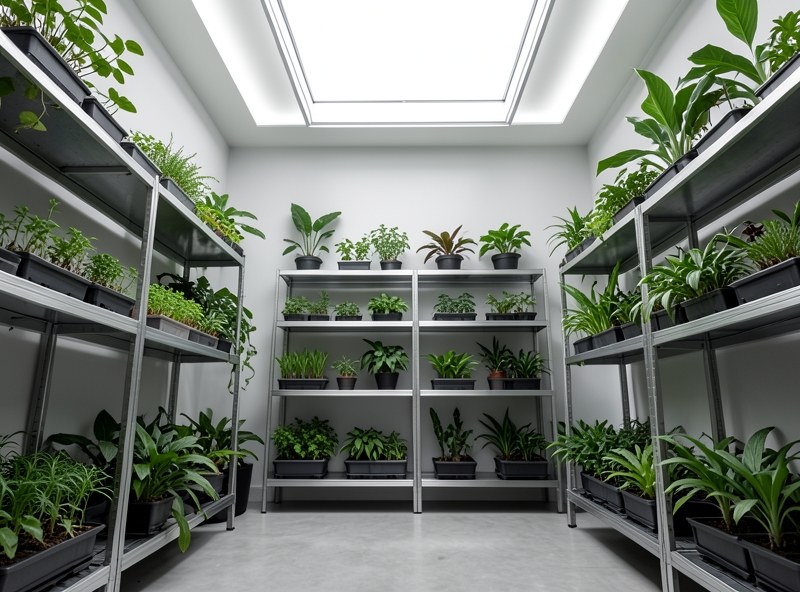
Closed rooms with controlled light and climate.
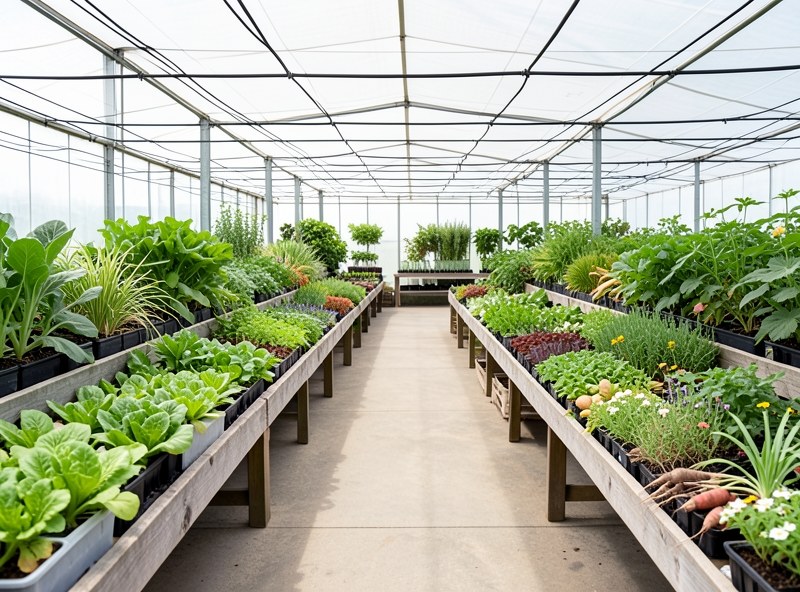
Multiple zones, multiple crops, one plan.
Every output starts in advisory mode. Nothing switches automatically until commissioned.
A silent sensor or a lost connection leads to a safe state.
Maximum run times and daily limits that a schedule cannot exceed.
Always one action away.
Where you see readings, set plans and keep records.
Plan the structure and the controls together.
Tell us about your greenhouse and what to automate.
In most cases yes. We look at what you have in the walk-through and tell you what fits and what needs changing.
The controller is designed to work with Greenhouse OS, which is where you manage it. We will advise on the right setup for you.
The system is designed so that a lost connection or a silent sensor leads to a safe state, not to equipment left running unattended.
Use the enquiry button and tell us about your greenhouse. We will talk through what to automate first.
Share your setup and what you would like to automate, and we will come back to you.
Enquire about hardware →